Sean Slade helped shape the sound of ’90s alt-rock, from Boston’s Fort Apache studio to Radiohead’s breakout hit “Creep.” In this Q&A, he shares the stories, instincts, and creative risks behind those sessions, along with the lessons that continue to guide his work as a producer and educator, teaching in Berklee Online’s Music Production grad program.
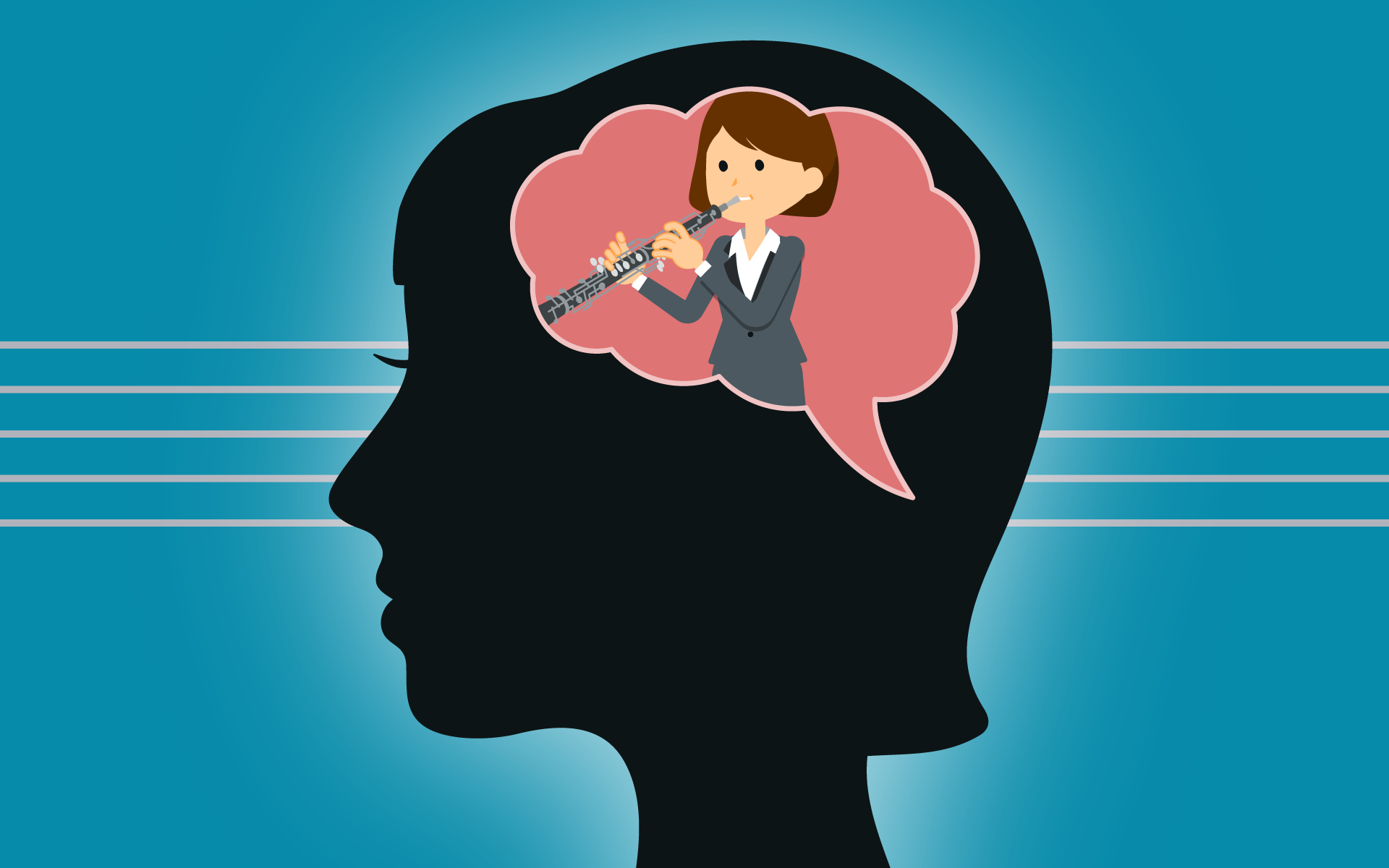
As a musician, not all of your practice will be on your instrument. Some of it will be in your head, and some of it may even be on objects that just look like your instrument. We call this mental practice, and in this excerpt from Barbara LaFitte’s Practicing Techniques for Musicians course, the former principal oboist in the Boston Ballet Orchestra shares tips on how to practice your instrument when you just aren’t able to actually play your instrument.
Wondering where to take your music career? Explore the best cities for your professional life through expert advice from Berklee Online instructors and alums who currently live and work in Nashville, Los Angeles, New York City, and Miami.
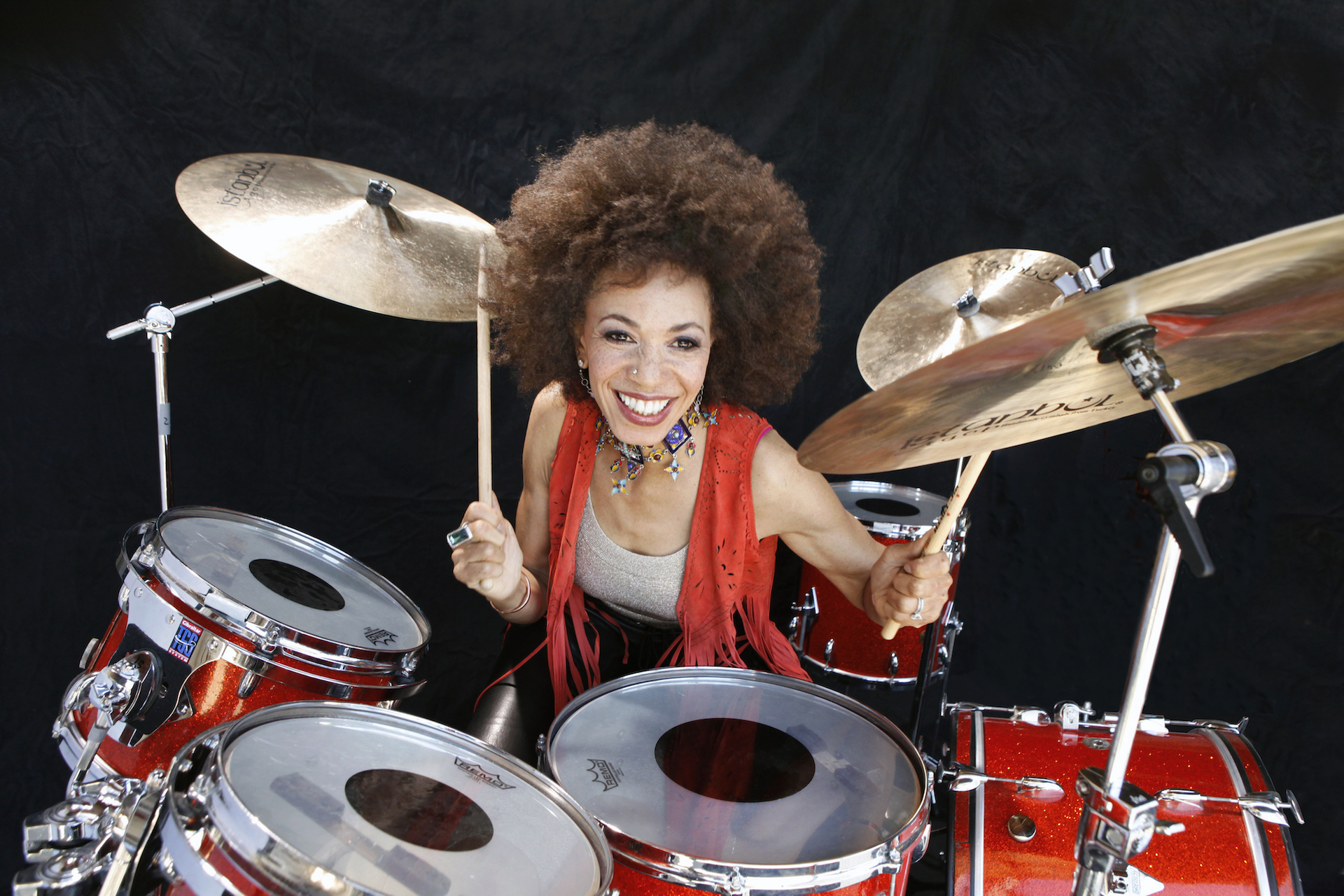
Cindy Blackman became Lenny Kravitz’s drummer after a lifetime of jazz drumming. In this wide-ranging interview she discusses being visited by the spirits of the jazz greats she befriended during her time in New York City, and how she and husband Carlos Santana stay in harmony, onstage and off.
Sync the Unsyncable: Add Organic Tempo and Human Feel to Electronic Production
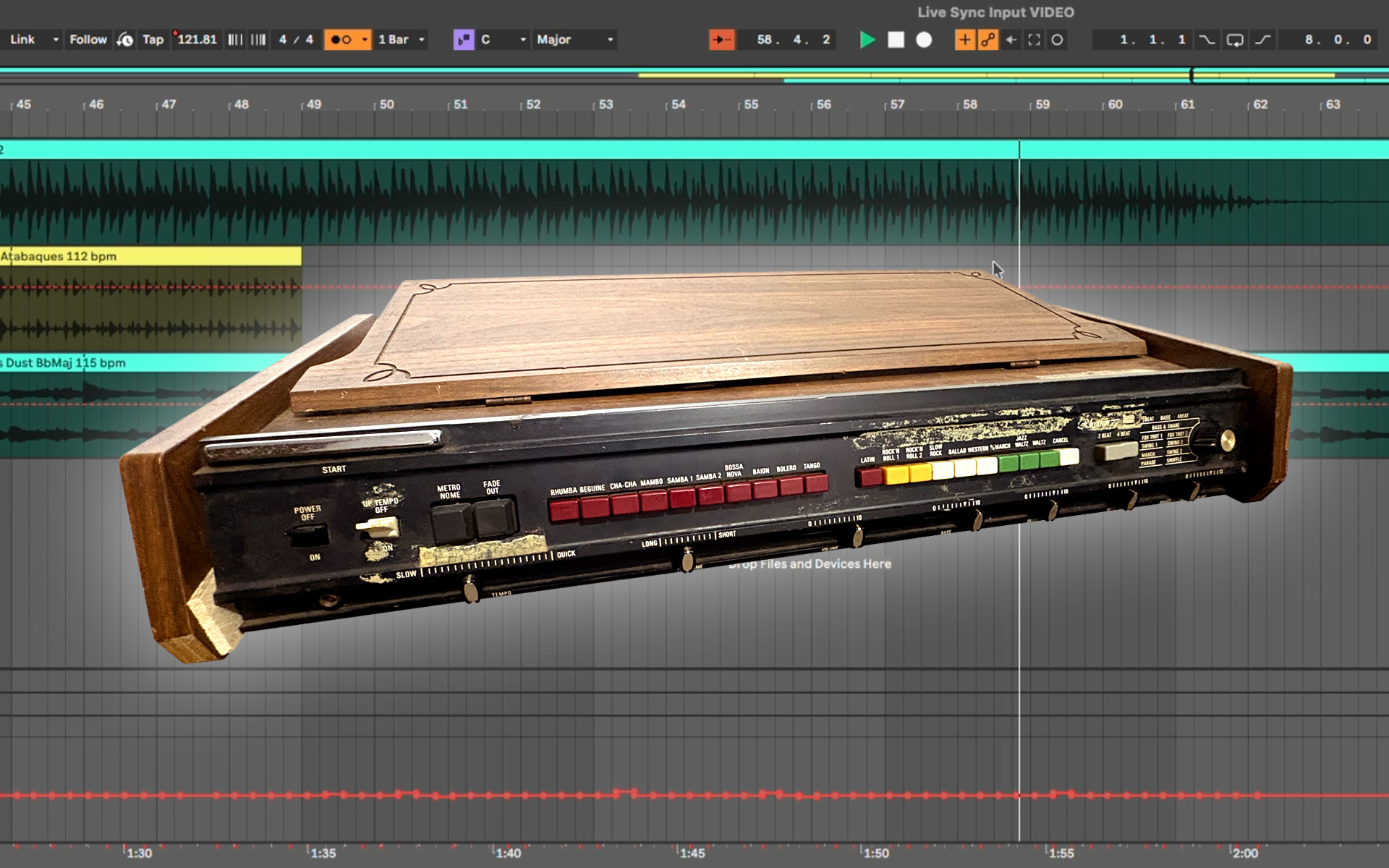
Vintage drum machines weren’t built with modern DAWs in mind, but that doesn’t mean they can’t play nicely together. Early analog drum machines such as the Eko Computerhythm, Korg Mini Pops, Roland Rhythm 77 (also called the TR-77), and the coveted CR-78 sound magical. These are true analog machines with drum and percussion sounds generated by physical electronic circuits rather than a digital sample or computer code.
Throughout the ’70s and into the early ’80s, pioneering pop and electronic music artists, such as Blondie, Jean-Michel Jarre, Gary Numan, and David Bowie, to name just a few, incorporated these unique machines into their music. That’s a Roland CompuRhythm CR-78 doing the syncopated water torture percussion on the first seven seconds of Blondie’s “Heart of Glass”; Jean-Michel Jarre used the Korg/Keio Mini-Pops 7 on Oxygène, especially Parts II, IV, and VI; and Gary Numan was an early CR-78 user who also used the TR-77 on “I Nearly Married a Human” from Tubeway Army’s Replicas album. The Replicas Redux version of this album also includes “I Nearly Married a Human (2)” with the TR-77 even more prominently featured. David Bowie also used the Roland TR-77 Rhythm 77 to fill out “Art Decade,” one of the instrumentals on side 2 of Low.
The results set the stage for the sound of drum machines in pop music for decades to come.
One common early use of these machines was as a glorified metronome: somebody would choose a preset pattern and the band would simply play along. With this approach, no machine tempo sync—whether an analog PPQN (pulses per quarter note) connection or MIDI Beat Clock—was required.
By contrast, most modern electronic music producers would prefer to have a drum machine that they can tempo sync with their DAW program. Unfortunately, these old rhythm machines have no such connections. Though it’s possible to retrofit these machines with sync and MIDI, there’s a much easier approach that doesn’t require a soldering iron.
In this video, I demonstrate how you can use a 1972 Roland TR-77’s audio output to clock Ableton Live’s main tempo. Instead of your band following the drum machine’s tempo, your DAW does.
This approach has many interesting benefits, including getting away from the computer’s perfect, unwavering digital clock, and instead infusing your session’s tempo with a wonderfully organic, imperfect, almost human clock. This synchronization technique is made possible by Live’s Tempo Follower, an invaluable feature for bringing these quirky old machines into a modern music production workflow.
Let’s take a look and a listen to the results:
As you can see, Live captures the drum machine’s tempo variations as automation breakpoints, creating a tempo map alongside the recorded audio. You can then add loops, MIDI parts, and other elements that follow those same variations.
‘Can I Do This with a Different DAW?’
Somebody asked me if this can be done in Logic Pro. The short answer is no. Logic Pro doesn’t have an audio input to tempo function; most DAW programs do not. Ableton Live’s Tempo Follower feature is unique. Though, other DAW programs, such as Logic Pro and Pro Tools, can tempo map after the fact. For example, you would record the TR-77’s audio and then tempo map the recording. Then, continue your production on top of this tempo map. The difference is that tempo mapping this way isn’t real time, Live’s Tempo Follower function is happening in real time which allows for much more experimentation.
If MIDI note control is your primary objective rather than sync, I demonstrate these connections and that process
here.
There’s something delightfully backward about the whole setup: Instead of forcing a 50-year-old drum machine to conform to the precision of a modern DAW, you let the DAW follow the drum machine. Those tiny fluctuations become part of the production, giving an otherwise electronic session some of the movement and unpredictability of a vintage analog clock, a little more human than machine.